
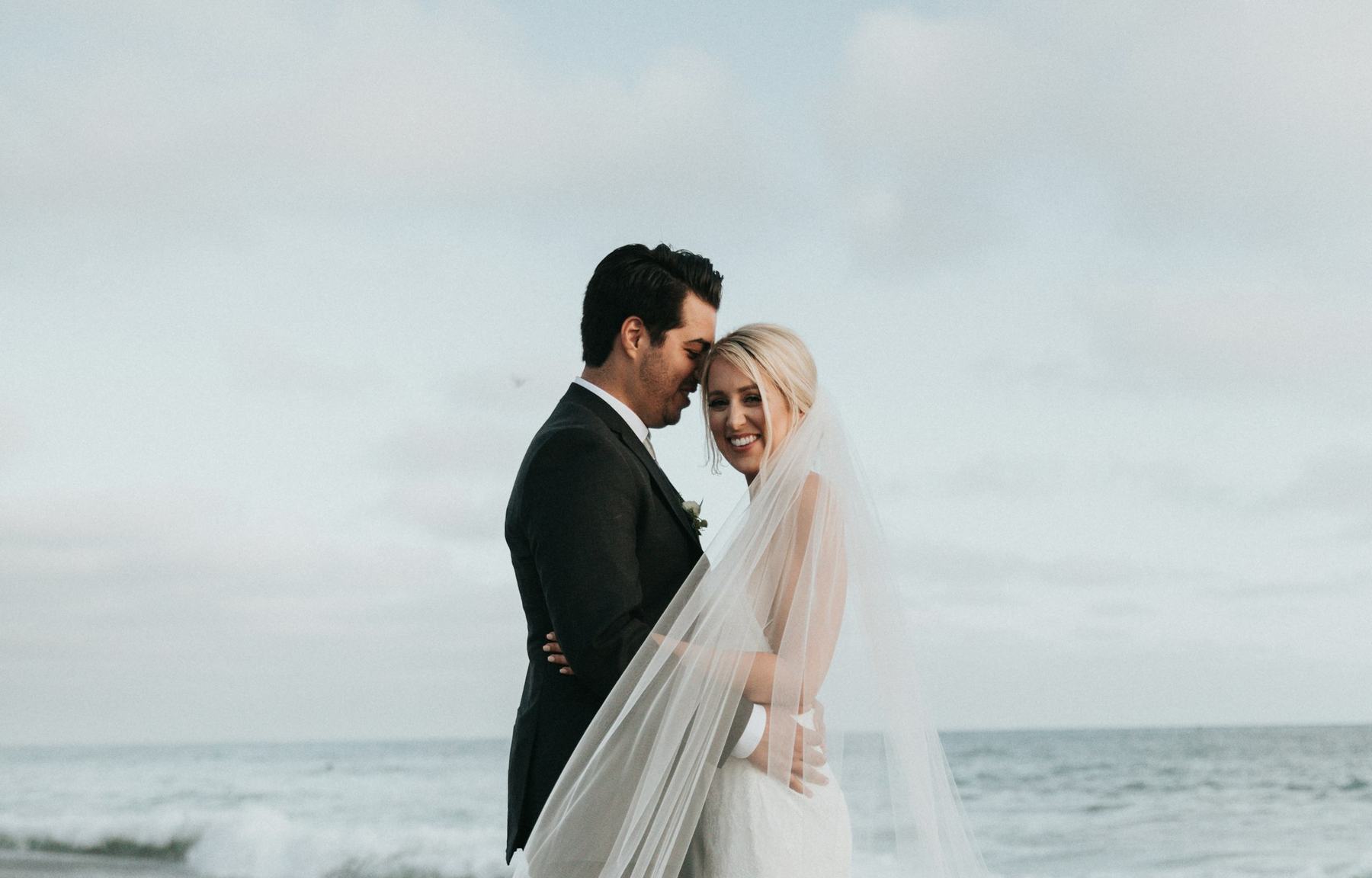
Portfolio-powered delivery
The couple should receive a gallery, in the manner of a portfolio. Delivery is part of the vault — the finished wedding, presented — rather than a shared folder to pick through.
Wedding media vault
One vault for the wedding you just shot. Cards land on the RAW side. The gallery leaves from Edited. Storage that lets the weekend actually end.
RAW
The dump. Cards and original files stay here.
Edited
The delivery. Finished work for the couple.
The easy part
Dump the day when the cards come out. Hand the couple a gallery, not a shared folder. The vault holds both — and you can put the laptop down.
Versus generic storage
Drive, Dropbox, and the other general clouds will hold a wedding. They hold everything else the same way. Trothora starts from the wedding, so the day is easy to keep.
Organized around
Generic cloud Folders and shared drives, named by whoever set them up.
Trothora One vault per wedding.
Inside the day
Generic cloud RAW files, selects, and finals in the same pile.
Trothora A RAW dump and an Edited delivery, kept on two sides.
Handing it over
Generic cloud A link to a folder.
Trothora Portfolio-powered delivery.
Moving a season
Generic cloud Download, then upload, wedding by wedding.
Trothora Migration from Drive or Dropbox is available.
Built for
Generic cloud Anyone with files.
Trothora Wedding studios.
How it works
Each studio’s vault has two sides. The day you shot stays on the dump. The wedding you hand over stays on Edited. They do not collapse into one folder.
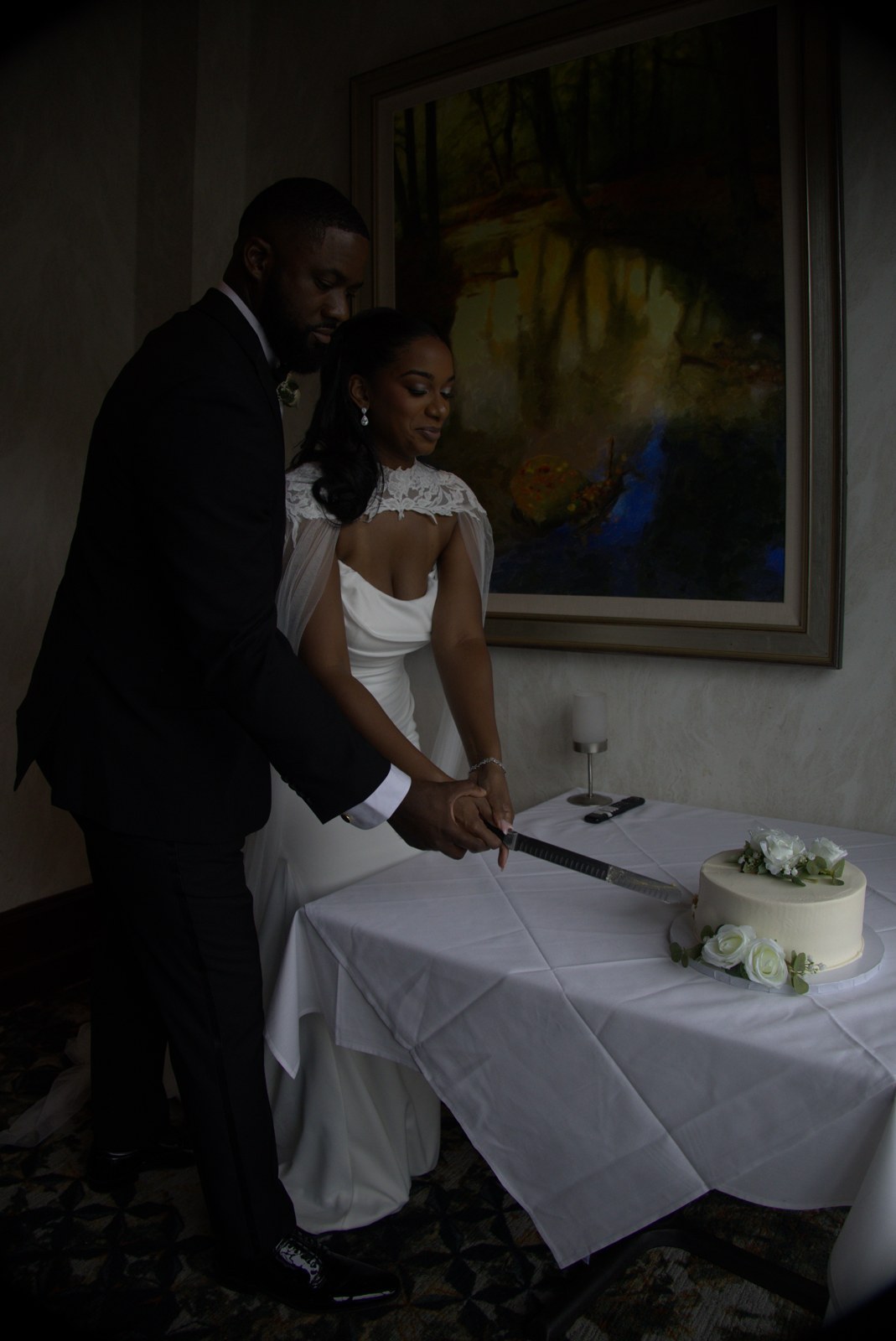
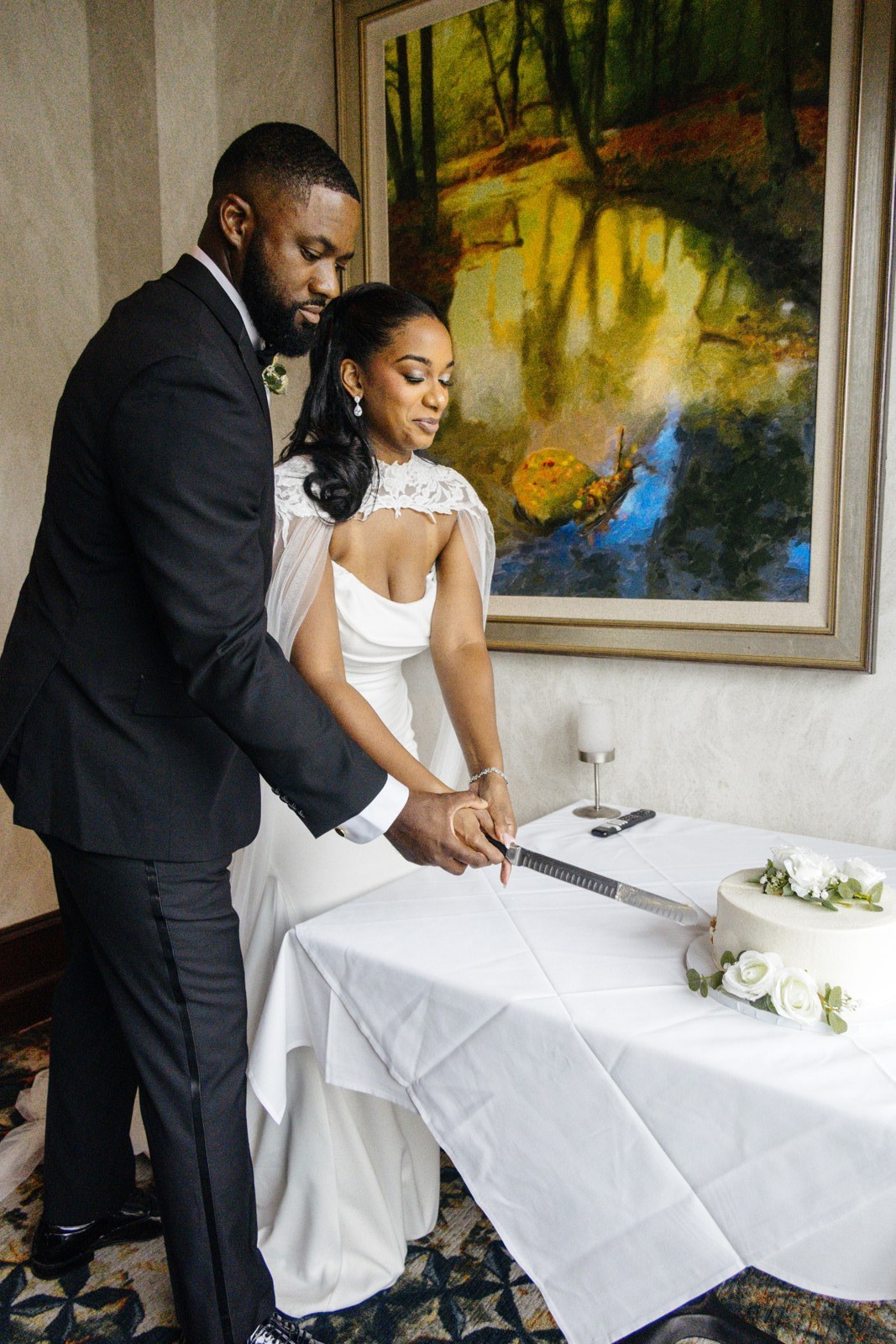
Frame DSC01456 · engagement on the boardwalk. One exposure, two sides of the vault.
The wedding is the unit. Name the vault for the couple and the date, and keep that day out of a season-long folder you meant to sort later.
Cards and original files land on the RAW side. This is the holding place for the day as it was shot. It is not the gallery.
Finished work lives on the Edited side, ready to hand to the couple. Edits, when you want them from Trothora, are a paid add-on metered to the work.
With the vault
The couple should receive a gallery, in the manner of a portfolio. Delivery is part of the vault — the finished wedding, presented — rather than a shared folder to pick through.
Bring a season across when you are ready. Migration from Drive or Dropbox is available, so you are not rebuilding every wedding by hand.
Studios already deliver from portfolio brands such as Pixieset, ShootProof, Pic-Time, and others. Integrations are available where a clean handoff works today, and coming where a connection is not ready yet.
Storage and editing are different bills. Edits are a paid add-on, metered to the weddings you send. Your plan covers the vault. Edits are extra, and only when you want them.
Pricing
Monthly is the default. Annual is ten times the monthly price — about two months free, roughly 17% off. Start with up to 3 wedding vaults, then upgrade.
Showing monthly prices. Core $99 per month, Pro $199 per month, Studio $349 per month.
A lighter calendar
$99 /mo
or $990 for the year · two months free
A working season
$199 /mo
or $1,990 for the year · two months free
A full calendar
$349 /mo
or $3,490 for the year · two months free
On every plan
Storage past the included amount is about $25–30 per TB. Edits are metered on their own, separate from that overage, on Core, Pro, and Studio.
If you want it
Some studios want a quicker look at the dump before anyone edits. You can opt in to a first-pass cull on the RAW side only. It is never automatic, and it never culls edited finals.
FAQ
One wedding, one vault. Inside it, a RAW side and an Edited side, so the dump and the delivery are not the same folder.
Those products store files for anyone. Trothora is organized around weddings: a vault per day, two sides inside it, and delivery meant to feel like a portfolio.
RAW is the dump — cards and originals. Edited is the delivery — the work the couple is meant to receive. They stay separate.
Only on RAW, and only if you opt in. A first-pass cull is optional. It is never automatic, and it never culls edited finals.
No. Edits are a paid add-on, metered separately from storage. The plan pays for the vault and the space.
Yes. Migration from Drive or Dropbox is available. You do not have to rebuild the season as a stack of manual uploads.
Delivery is portfolio-powered. Integrations with common portfolio brands are available where the handoff is ready, and coming for the rest. Pixieset, ShootProof, and Pic-Time are the kinds of brands studios already use.
Up to 3 wedding vaults. When you need more than that, you upgrade to Core, Pro, or Studio.
Annual is ten times the monthly price for the year: $990, $1,990, or $3,490. That is about two months free, roughly 17% off. Monthly stays the default.
Overage is about $25–30 per TB. You are not moved into a different plan by surprise. Edits, if you use them, are metered on their own.
Free trial
Up to three wedding vaults, each with a RAW dump and an Edited delivery. Upgrade to Core, Pro, or Studio when the calendar needs the room.
Start free — 3 vaults